
Edit the settings of an existing event
On this page
Administration: changes to an existing event.
The event already exists. Change its name, dates, venue and other details in administration instead of repeating the setup wizard.
Select the event and open Settings
Open the correct event from the organizer's list and select Settings. Check the event name in the header. The guide link asks you to choose the event explicitly after signing in.Open event settings
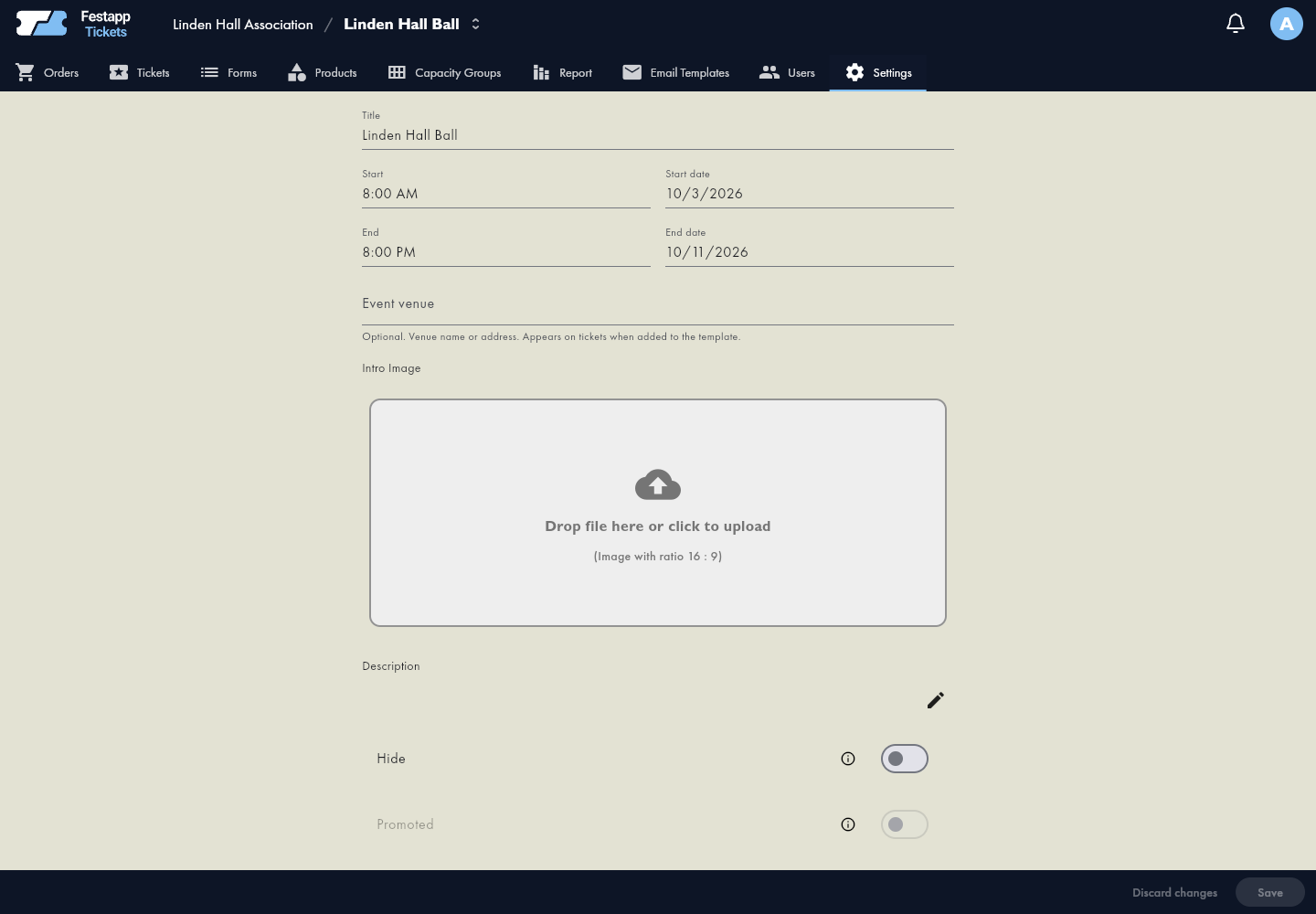
Change event details
Edit the name, start and end, venue or description using the available fields. The end must follow the start. Save the change and verify the visitor-facing result. Event dates are different from the dates when ticket sales are open.
Publication and opening sales
The event listing and access to the order form are separate choices. Set sales opening and closing in the form. Open forms in the app
Where other changes belong
- Forms: questions, public address and sales availability.
- Products and capacity: ticket variants, prices and limits.
- Seating plan: venue layout and assigned-seat sales.
- Ticket design: editor and PDF through the ticket feature settings.
- Bank Accounts: organizer-level management; forms automatically use the first account supporting each currency, in organizer priority order.
Verify the saved result
Reopen the edited section and public form. Previously sent tickets and emails are not resent when you change event details.