
Help for event organizers
Create your event, prepare sales and payments, then manage orders and visitor admission. The new-event wizard is separate from editing an existing event.
Where are you in the process?
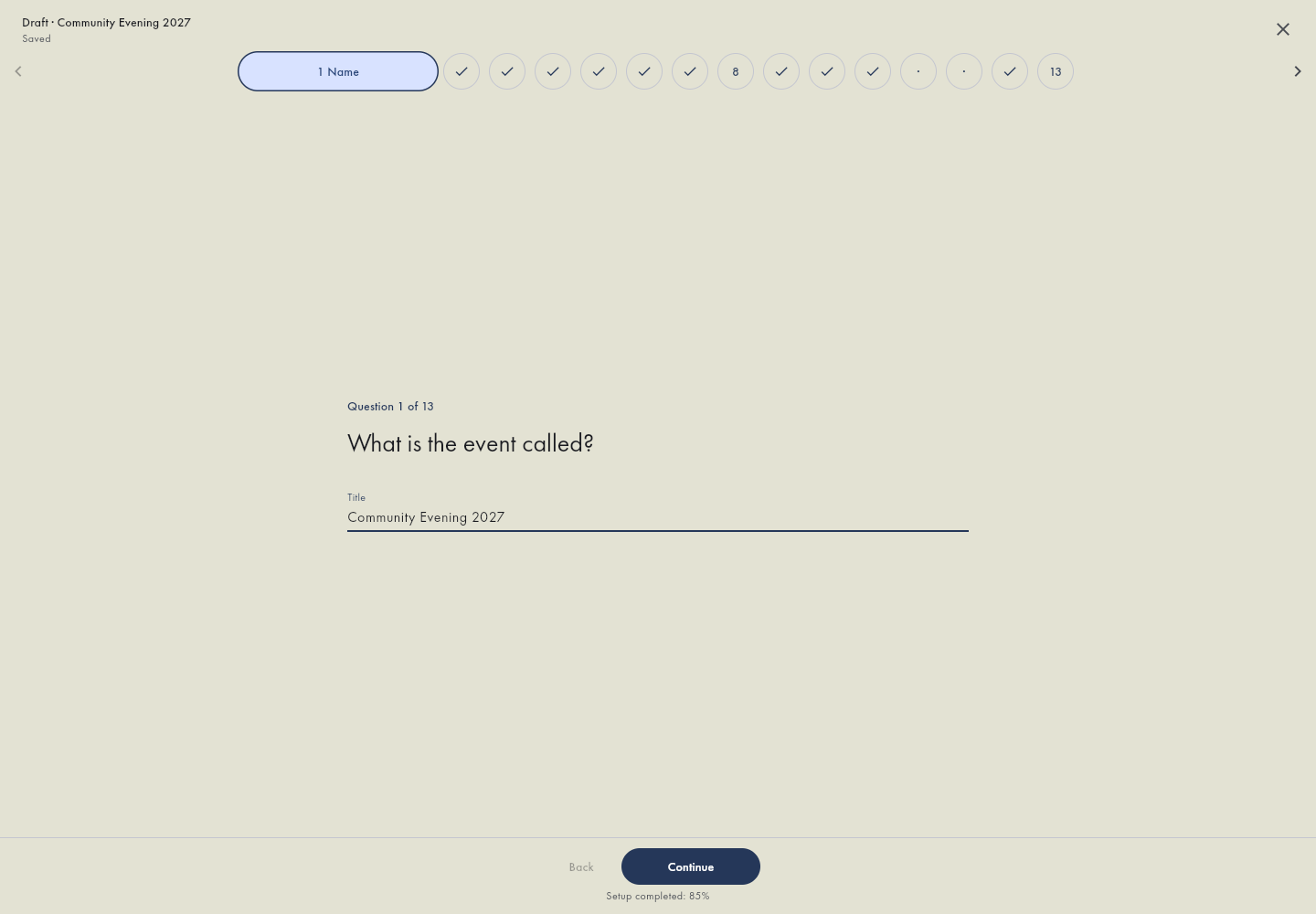 I am creating a new eventThe setup wizard, saved drafts and completing creation.
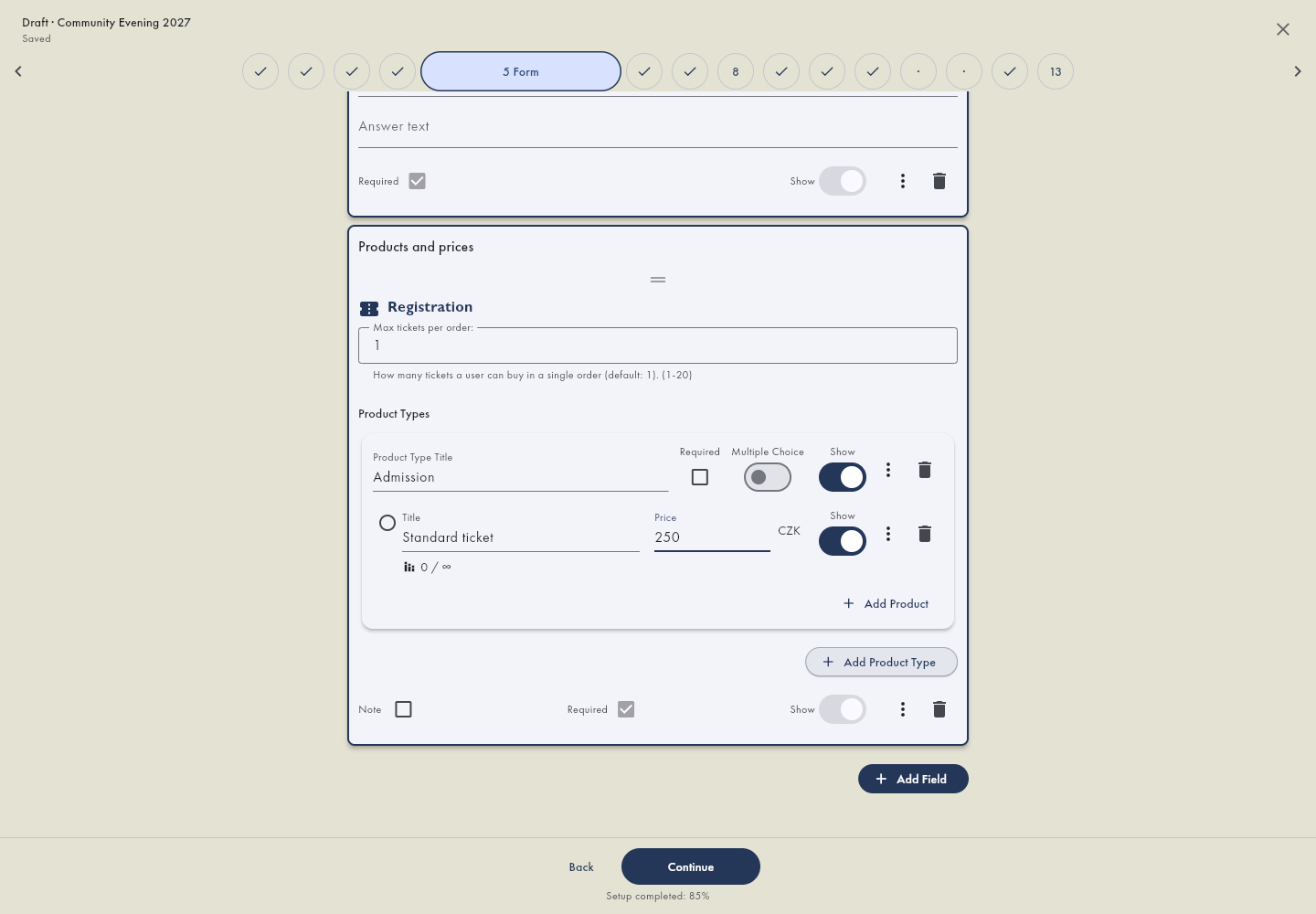 I already have an event and need to change somethingSettings, forms and links to the right administration section.
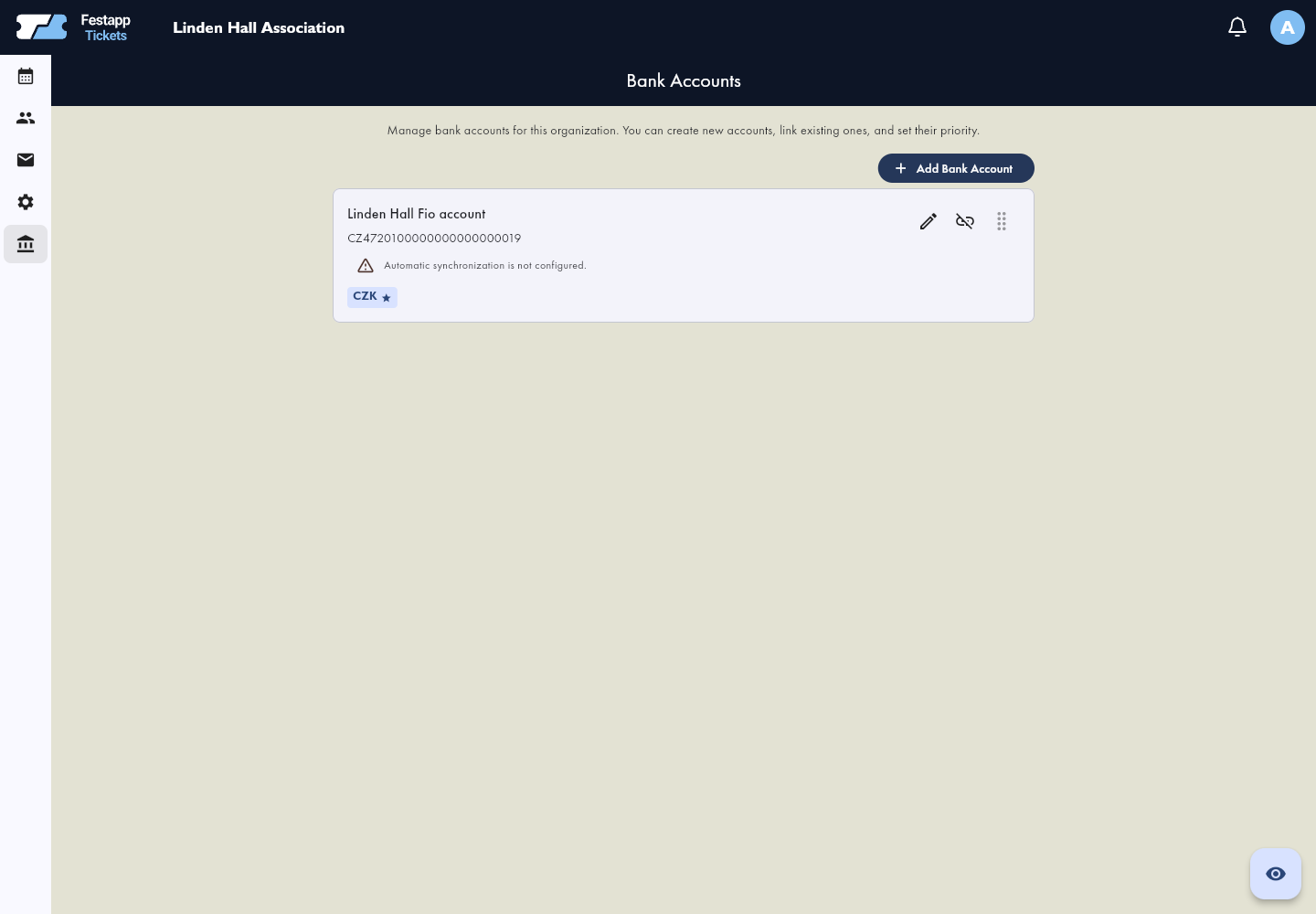 I need to prepare banking and receiving paymentsThe organizer account, Fio API token, bank connection and payment instructions.
Already have an event and know the steps? Open its settings or forms directly. Sign in if needed, choose the event and check its name.Open event settingsOpen forms in the app
Guides in working order
Event setup
Create a new event step by step: details, offer, seating, ticket design and selection of a receiving account.
Explore this areaEdit an existing event
Change event details, form contents and sales availability in administration, separately from the setup wizard.
Explore this area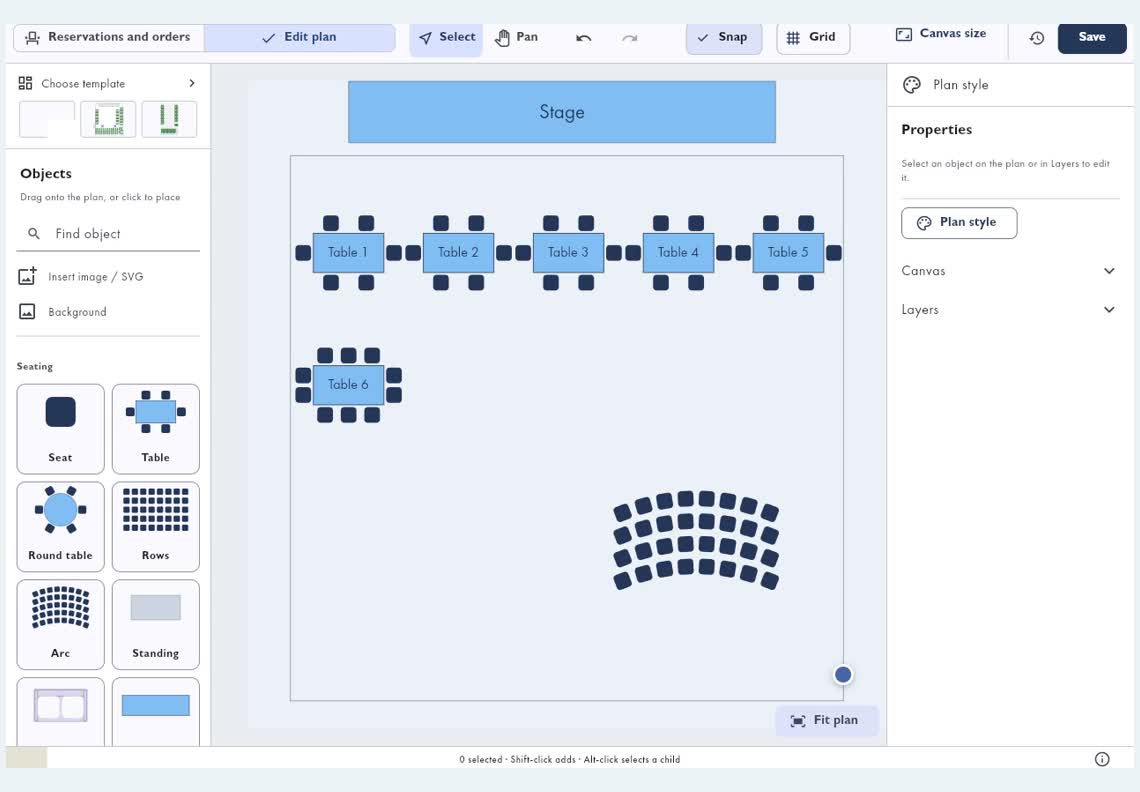 Tickets and seating
Prepare ticket choices, prices and availability, connect venue seats to the offer and check the finished ticket PDF and QR.
Explore this areaBank accounts and payments
Prepare the organizer account, connect Fio and check payment instructions. Receiving accounts follow currency support and account priority.
Explore this area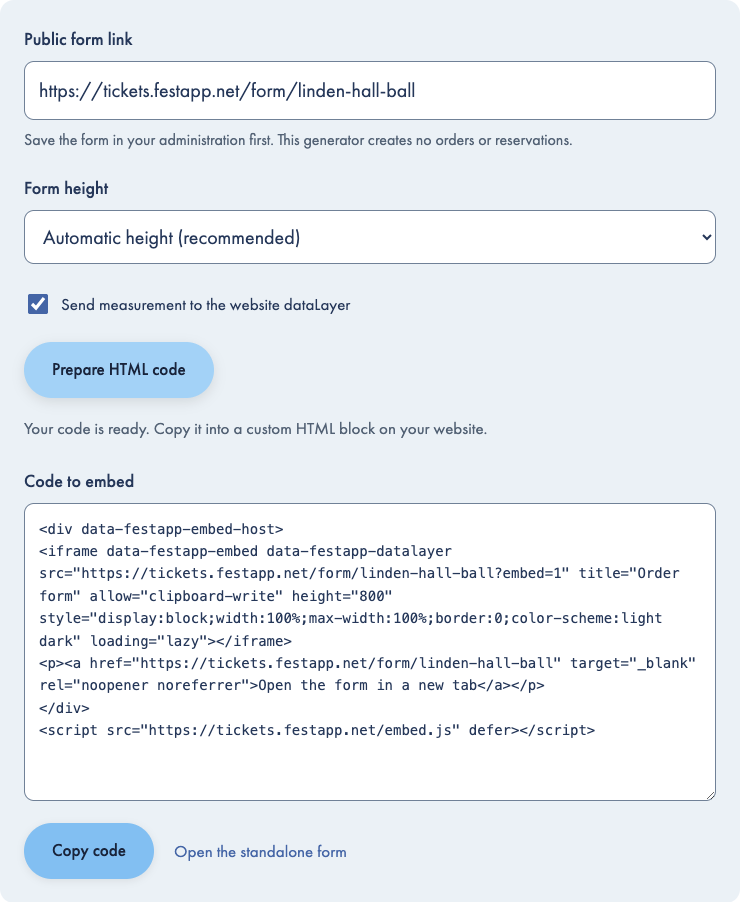 Website integration
Embed ticket sales with an HTML snippet or Webnode, or connect your own application using the API.
Explore this area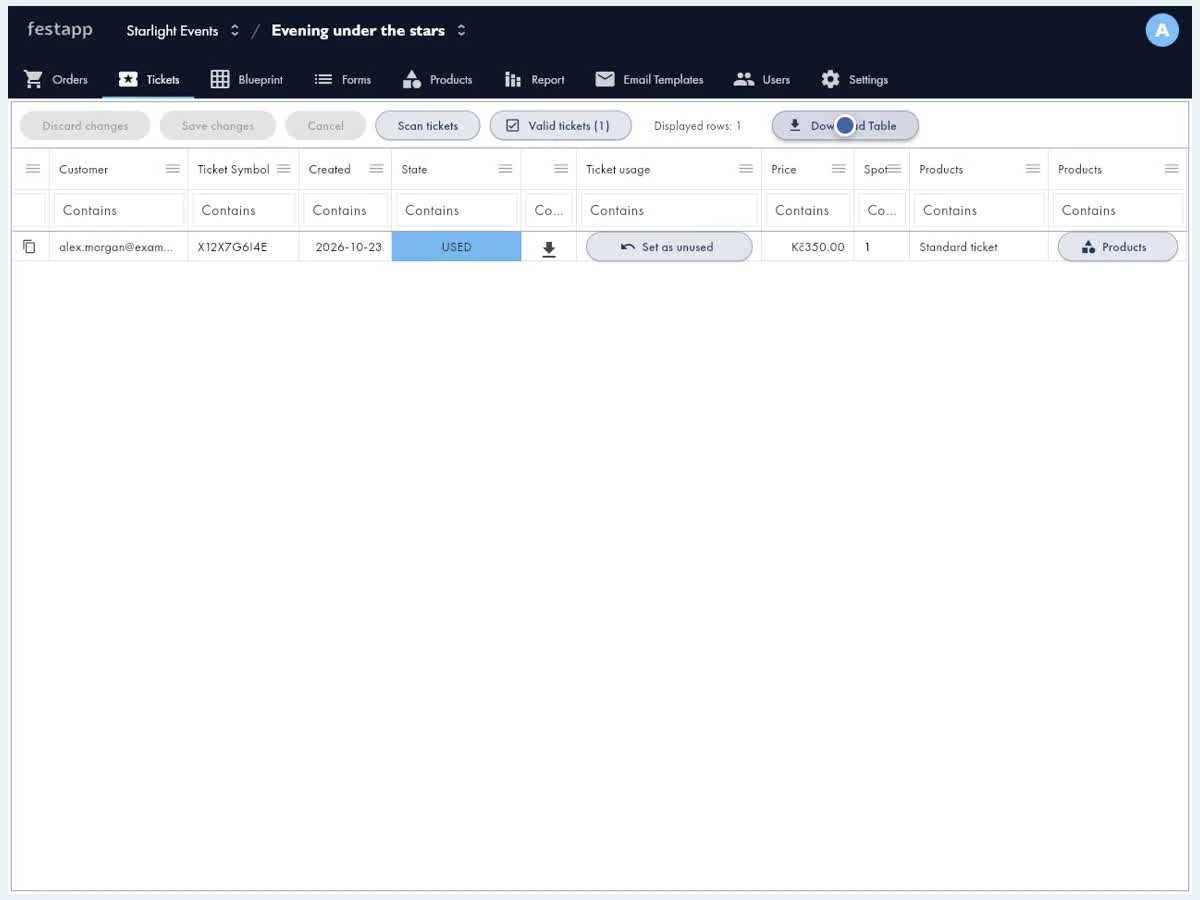 Order management
Prepare payment instructions, check order balances and resolve contact errors or undelivered tickets.
Explore this area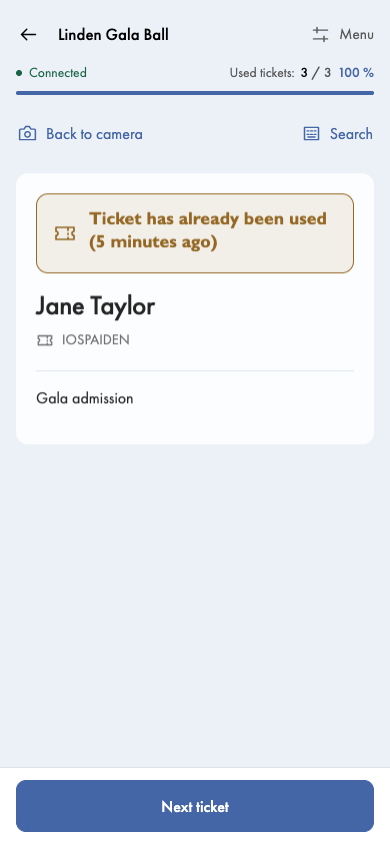 Visitor check-in
Prepare staff access, a scanner and a fallback. Handle used tickets and finish uploading offline admissions.
Explore this area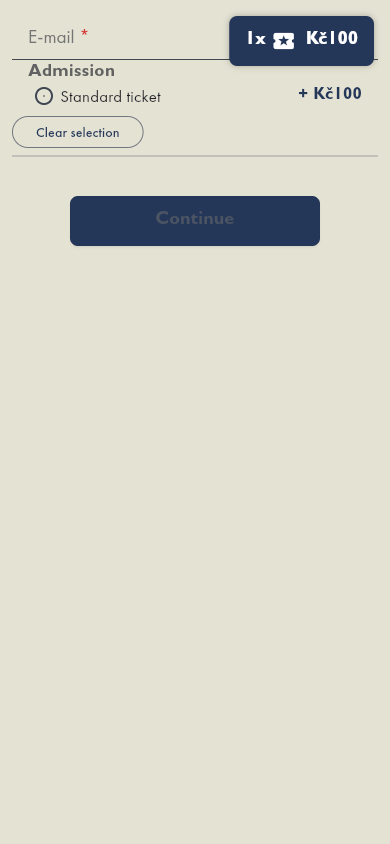 Troubleshooting
Find the right steps when a form looks wrong, a payment is not matched or a buyer has not received their ticket email.
Explore this areaEmbed your form in Webnode or another website after saving your form and preparing payments. Find those guides under Website integration.