Customer order self-service
On this page
Customer self-service lets customers cancel an entire order or selected tickets under the organizer’s rules.
Organizer setup
Enable the optional event feature
Enable Customer self-service in the event's extra features. It is off by default. Enabling the feature alone does not allow any operation.
Set the sales form rules
Open self-service rules in form settings. Allow cancellation and set its deadline. Save using the usual form Save action. All submitted answers, including names and phone numbers, are locked for customers and cannot be enabled in self-service. Staff handle corrections.
Choose cancellation and refund rules
Cancellation can happen automatically or require organizer approval. You can independently require a reason, up to 2000 characters. A customer submitting a request is explicitly told it needs review. Choose no refund, manual handling or a supported automatic refund. Enabling automatic refunds requires financial permission.
The customer journey from email
Open the existing order overview
Use the usual button in the confirmation email. Its URL stays the same; accompanying text mentions available changes. No account is required.
Select cancellation and verify it by email
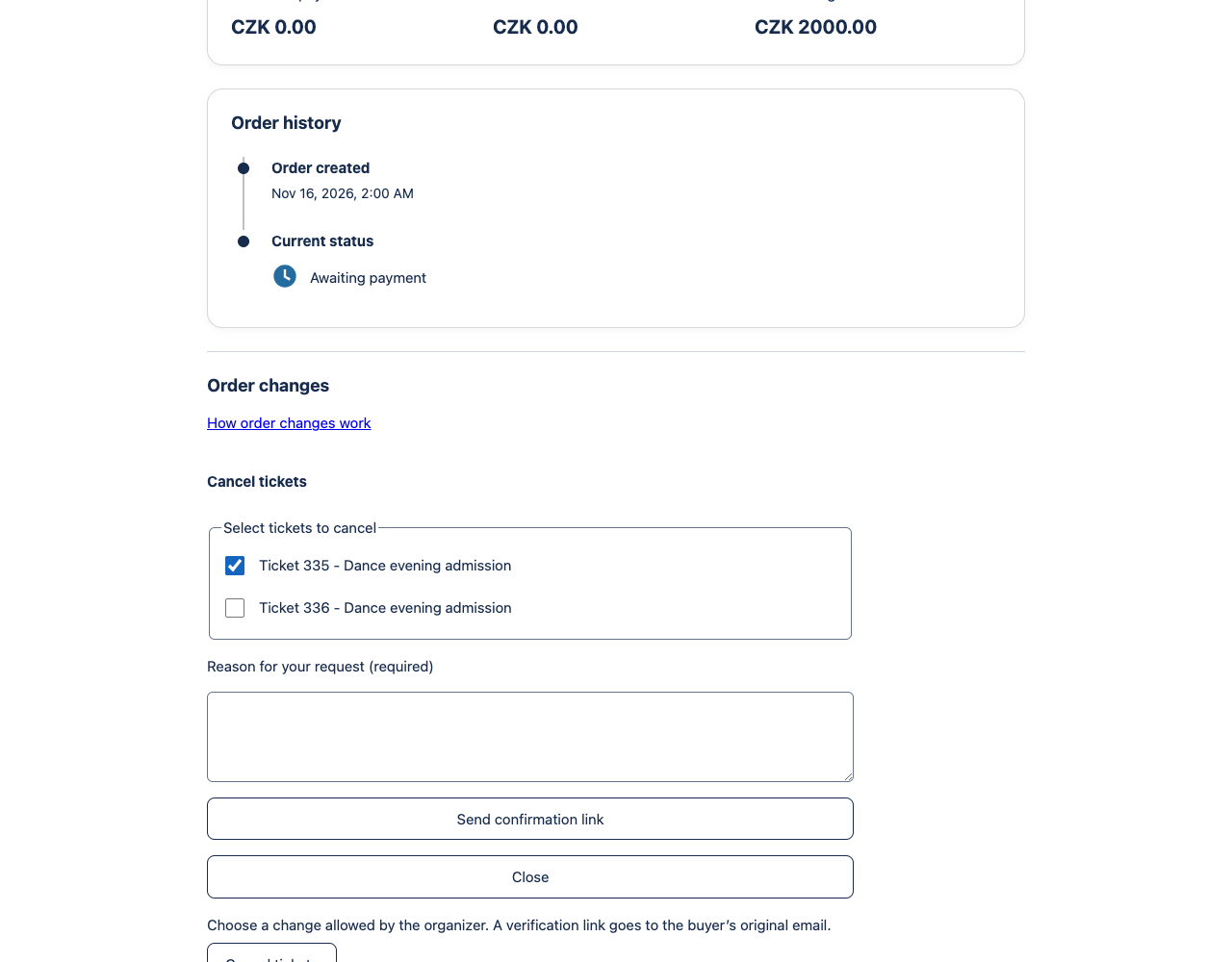
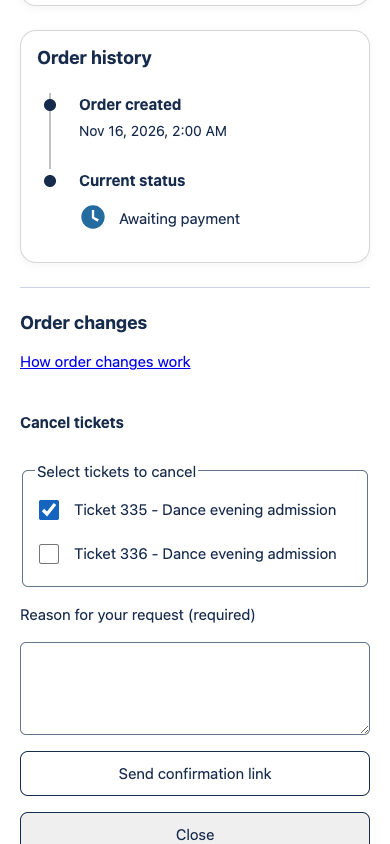
Select the whole order or individual tickets and provide a cancellation reason. Contact the organizer for answer corrections. A verification link goes only to the stored order email. It lasts 10 minutes and authorizes that specific change. Opening it does not change the order.
Review and explicitly confirm
The preview explains the effect and any refund amount. A review request is distinguished from a completed change. If order details, rules or capacity change, refresh the preview and confirm the current result. After an uncertain response, retry the same confirmation and check the resulting state before starting another change.
Approval, rejection and withdrawal
Staff see the request, reason and status in the existing order detail. With current permissions they can approve or reject it and add a response. Rejection does not change the order. Customers can withdraw an open request through a new email verification while self-service is enabled. Submitting a request does not release capacity or start a refund.
Approval rechecks the actual order and payment state. If safe automatic processing is unsupported, the request stays open for manual handling. Marking a request resolved does not substitute for a refund; accepted financial obligations need actual settlement.
Cancellation and refund tracking
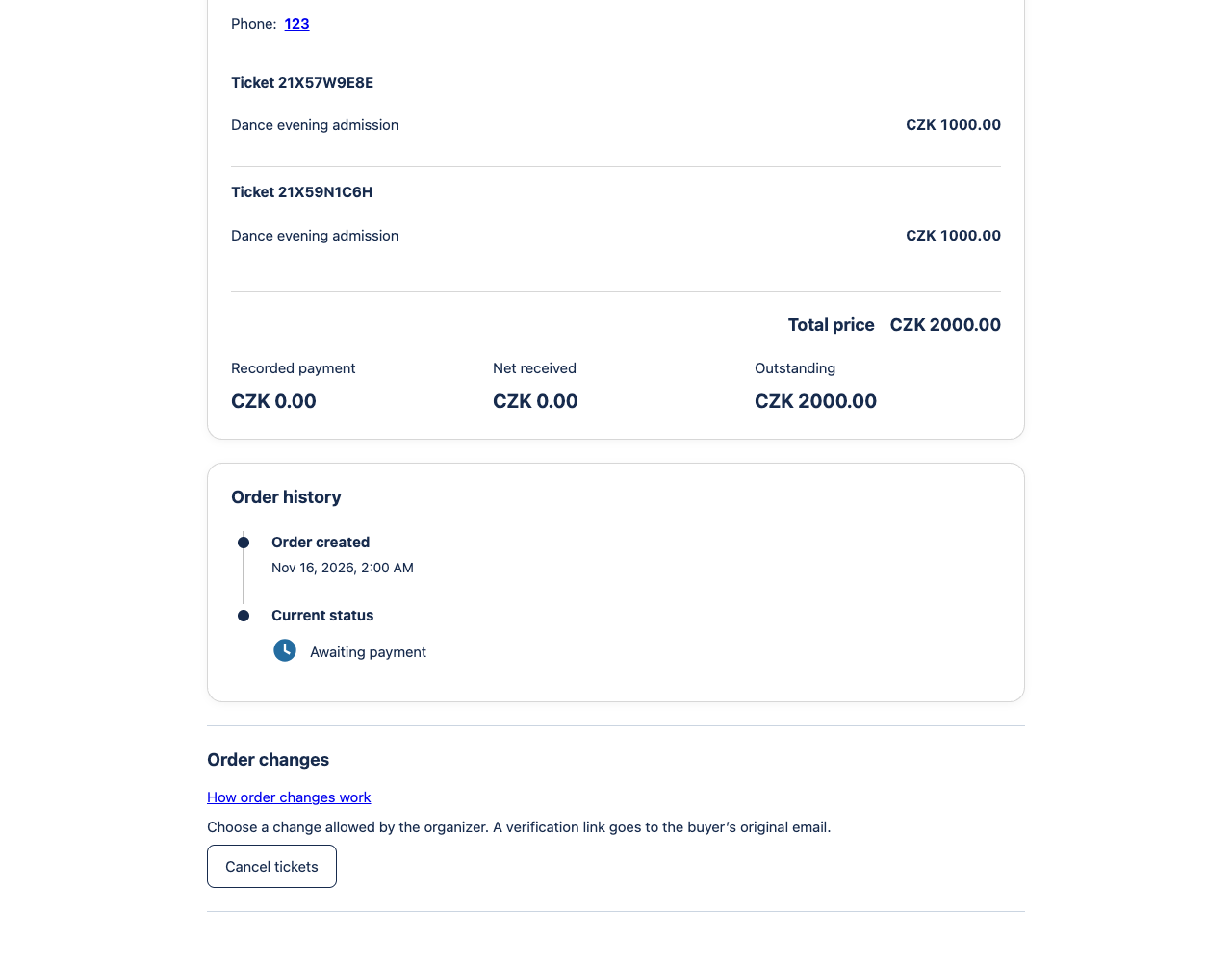
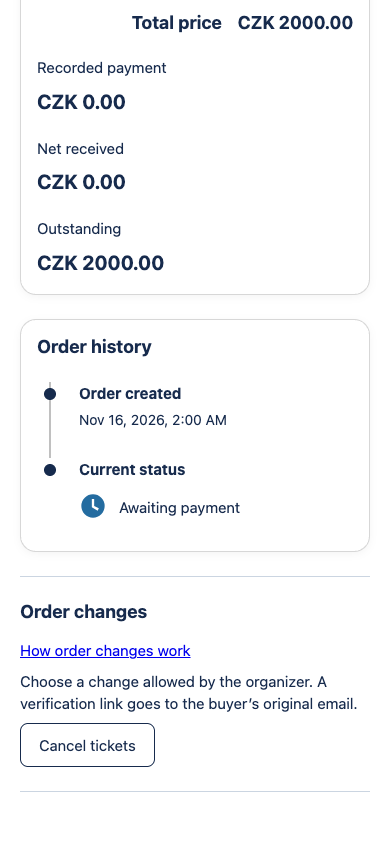
Cancellation revokes admission while preserving financial history. The overview separates received money, pending refunds and actually returned amounts. A queued refund is not proof of returned money. Automatic refunds use the supported payment and refund engine, including retries and recovery.
Disabling self-service stops new customer changes. Accepted requests, audit and financial obligations remain; staff can finish processing them, and accepted refunds continue.
Related guides: orders, sales form and payments.
When a change or verification email is unavailable
If the operation is missing or its deadline has passed, contact the organizer. Check spam and the original order email address. Verification emails are limited to one per minute and three per hour per order and network address. The generic acknowledgement deliberately does not disclose whether mail was queued. When a link expires, refresh the overview and request another. For an already accepted change, check its current state first; a new request does not establish the result of the previous attempt.
Cancel one ticket or reserved seat
Choose Cancel tickets in the overview and leave only the tickets you want to cancel checked. Verify each seat number. The preview names the exact selection and explains that other tickets remain valid. The same reason, approval and deadline rules apply as for the whole order.
Cancellation releases only the selected seat. Other places and their QR codes stay unchanged. A reserved seat alone does not prohibit cancellation; indivisible seat packages, selected used tickets, immutable print batches or invoice repair can require staff. Supported unpaid partial cancellation can be automatic. For fully paid compatible bank/cash orders, the organizer may allow selected cancellation with a manual refund request. Partial online refunds, deposits, discounts and ambiguous financial allocation require staff review. A request itself does not cancel tickets or send money.